Appearance
Parking Lots
WebWorkstationUse Admin > ZynoTalk > Parking Lots to create parking lots where staff can place callers on hold and retrieve them from another phone.
Admin Access Required
Only ZynoTalk administrators should create or edit parking lots.
Current ZynoTalk Platform
This screen appears only for organizations using the current ZynoTalk calling platform. If you do not see it, your organization may be on a legacy voice setup or the feature may not be enabled.
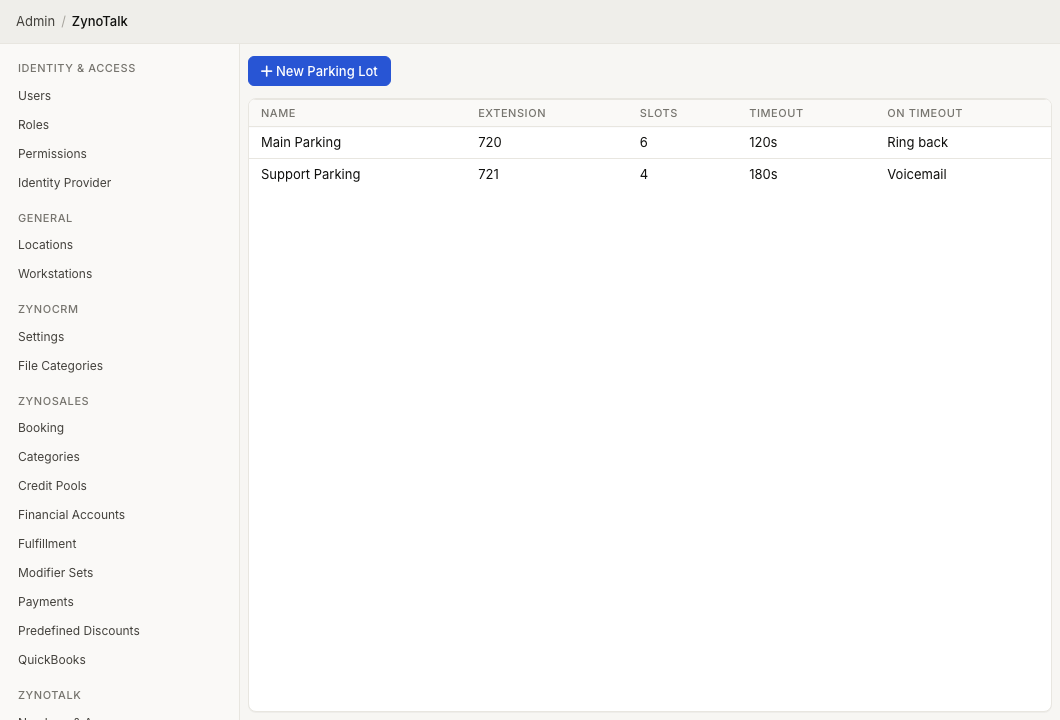
Page Layout
The Parking Lots table shows:
- Name
- Extension
- Slots
- Timeout
- On Timeout
Select a parking lot to edit it. Open the row context menu to edit or delete a parking lot.
Create A Parking Lot
- Open Admin > ZynoTalk > Parking Lots.
- Select New Parking Lot.
- Enter a Name.
- Enter the parking lot Extension.
- Set the number of Slots.
- Set the Timeout in seconds.
- Choose what should happen On Timeout.
- Choose the Hold Media.
- Select Create.
Timeout Actions
| Action | Result |
|---|---|
| Hang up | Ends the call when the timeout is reached. |
| Ring back | Rings a selected extension when the timeout is reached. |
| Voicemail | Sends the caller to a selected extension's voicemail. |
Hold Media
Parking lot hold media can use:
- Ring tone.
- Uploaded audio.
- Audio URL.
- Greeting.
- Text-to-speech.
Common Issues
| Problem | What To Check |
|---|---|
| The parking lot cannot be saved | Confirm the name, extension, timeout, hold media, and any timeout destination are complete. |
| Callers do not return on timeout | If Ring back is selected, confirm the ring-back extension is selected and reachable. |
| Callers do not reach voicemail | If Voicemail is selected, confirm the selected extension has voicemail enabled. |
| Staff cannot find parked calls | Confirm the parking lot extension and slot count are documented for staff. |